
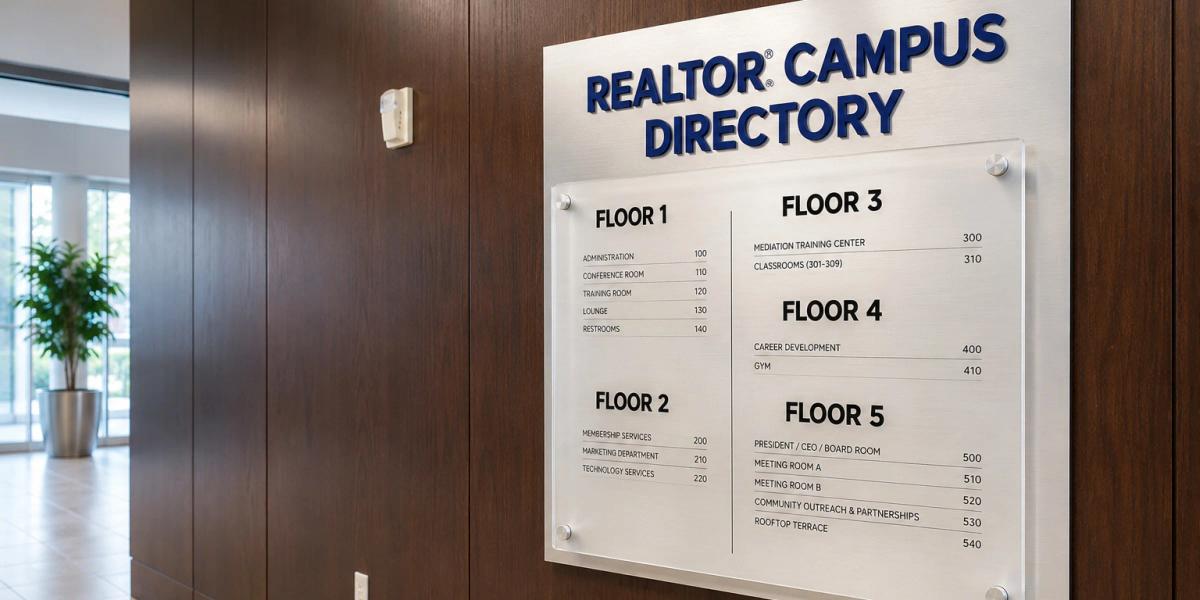
Building Directories
A directory should answer the question before someone has to ask. In offices, medical buildings, campuses, hotels, and shared commercial spaces, visitors often arrive without knowing where to go next — a well-planned directory gives them a clear starting point. Make the next step easy to find.
A Directory Should Answer the Question Before Someone Has to Ask
Have a question? Let's talk about it.
Fast & Ready
I know what I need. I just want to get cards ordered quickly.
Order NowBe Remembered
I want something that earns another look and leaves a lasting impression.
Explore IdeasManage at Scale
I need a better way to manage printing for my team.
Print Portal
Don’t Have Your Files?
We can recreate your existing design from either a photo, previous print or partial file.
The Best Directories Balance a Large Amount of Information Without Feeling Crowded
Tenant names, departments, suite numbers, floor details, and directional cues need a clear hierarchy so people can scan the display and understand it quickly.
The Directory Also Needs to Work With the Rest of the Property
- Update system — many directory systems use replaceable panels, inserts, slats, or modular components so individual listings can change as tenants or departments move.
- Organization method — listings may be arranged alphabetically, by floor, by suite number, or by department, depending on how visitors search for destinations and how the building is organized.
- Branding — tenant logos can sometimes be incorporated, but the system still needs visual consistency and clear hierarchy, so branding should be handled with restraint.
- Architectural integration — color, typography, materials, dimensions, and mounting details can be coordinated with the property's architecture and brand while keeping the information readable.
- Placement — directories should be placed near a primary entrance, lobby, elevator bank, reception area, or another decision point where visitors naturally pause and look for guidance.